① Log in to the SkillSignal Web Dashboard.
② Go to the Data Dashboard tab and select Executive Summary.
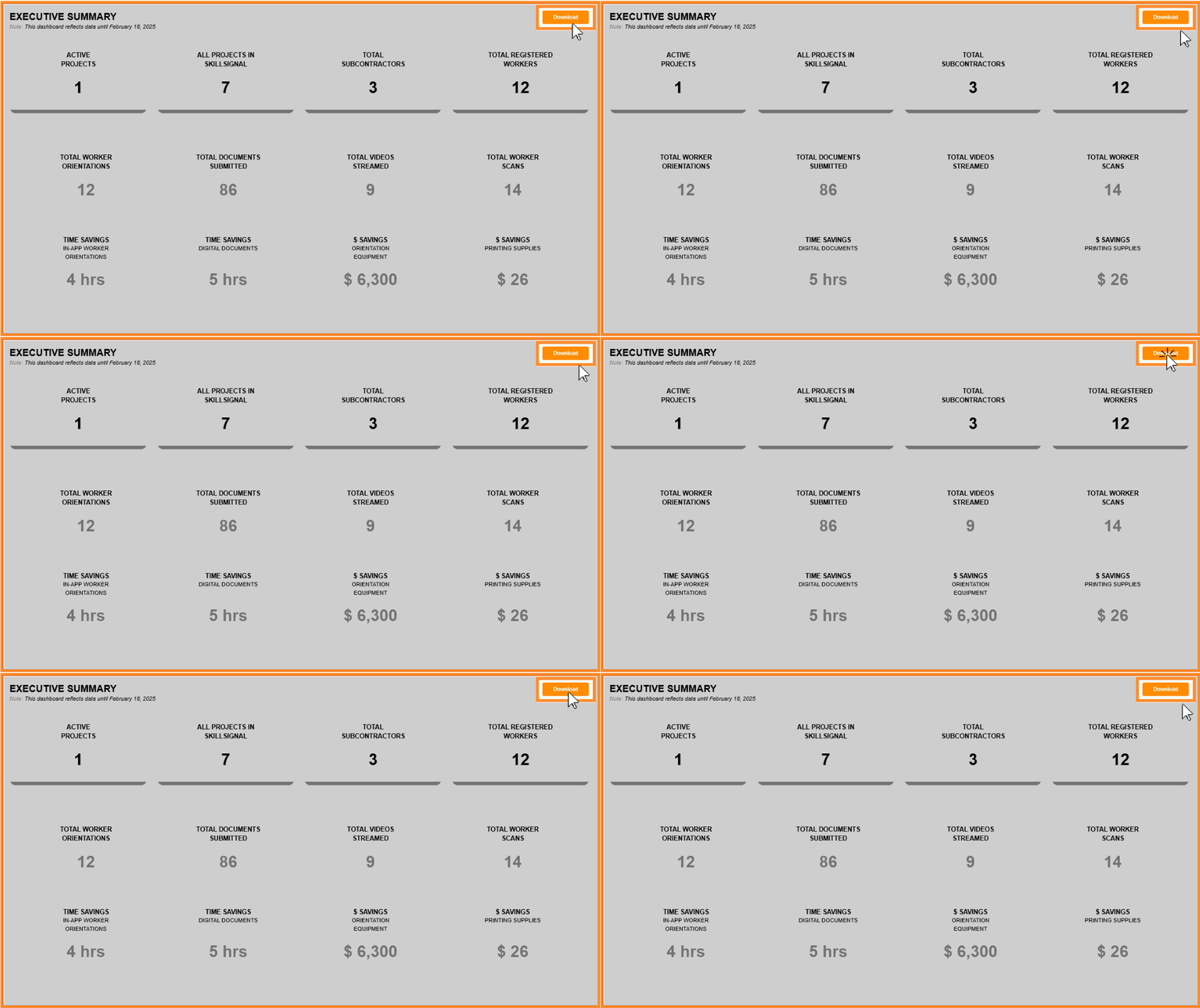
③The dashboard shows up-to-date data, including active/total projects, subcontractors, and workers.
④ To download the data, click Download.
① Log in to the SkillSignal Web Dashboard.
② Go to the Data Dashboard tab and select Executive Summary.
③The dashboard shows up-to-date data, including active/total projects, subcontractors, and workers.
Comments
0 comments
Please sign in to leave a comment.